
Car check before you buy
Five steps before you pay.
Free to download, no account needed.
- 1. Check the VINWhat car it is and whether it matches the listing.
- 2. Compare the priceWhat it is worth on the market, from live listings.
- 3. Run an OBD scanCheck engine light, codes and battery.
- 4. Work out the customsIf you are importing it: what it will cost and what happens on 1 January.
- 5. Show it to a mechanicA mechanic has the final word.
Checked0 / 5
What a phone can’t tell you
What we don’t know, we don’t make up.
- Who owns the carThat record is only given out with authorisation.
- FinesThat needs a personal ID number, and we never ask for it.
- Full historyThe auction database is incomplete, and the app tells you so itself.
What it’s worth on the market
We count the price from live listings, not from guesses. When there are too few listings, the app does not make up a price.
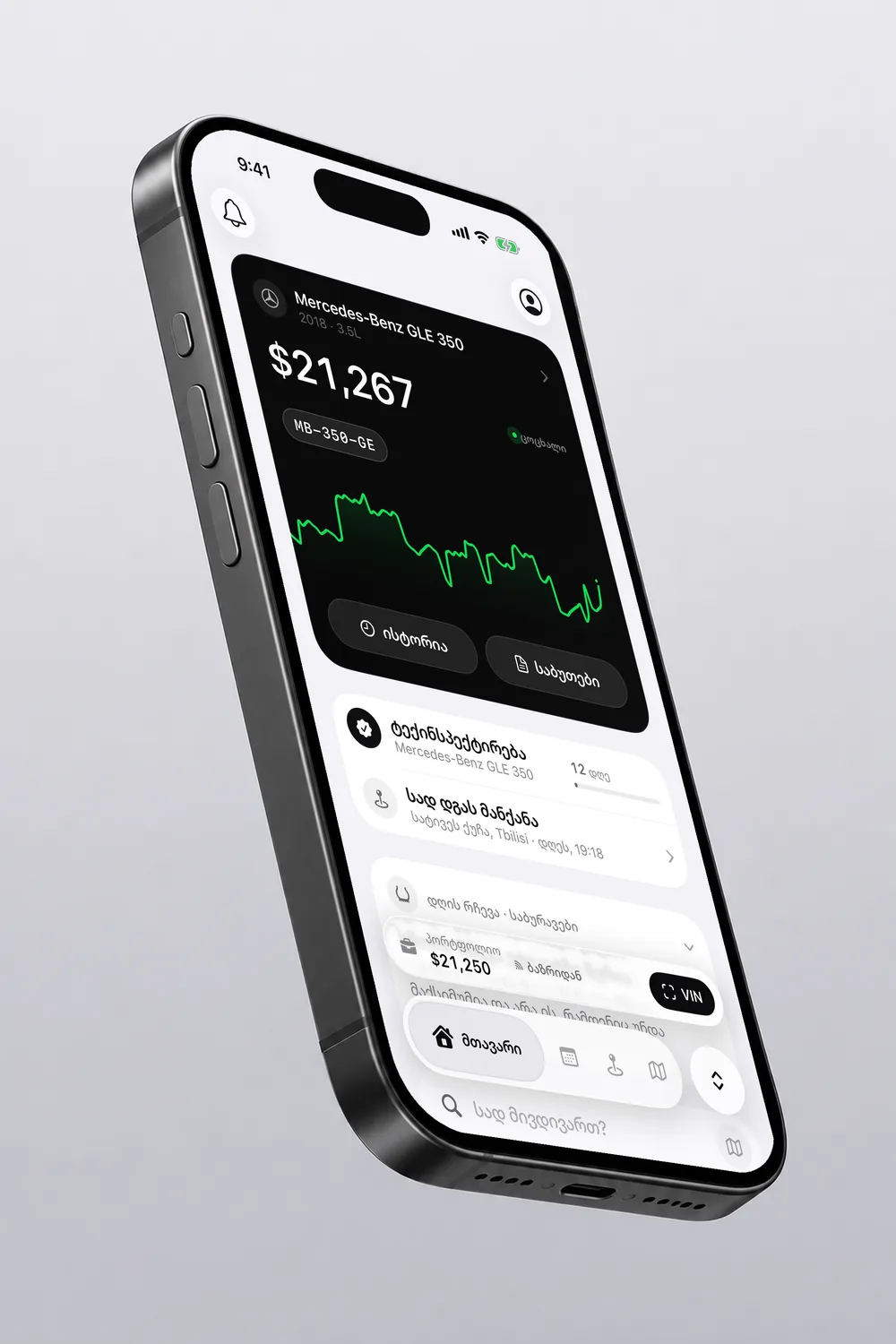

In the app
Partly freeThe VIN and one car’s price are free. The OBD scanner and the price chart come with VINARI+.
Common questions
What should I check before buying?
Five things: the VIN, the market price, an OBD scan, customs if you are importing the car, and finally a mechanic.
Can I check a car by its plate number?
No. There is no public database of Georgian plates, so nobody can do that. You add a car by its VIN or by hand.
Will the OBD scanner tell me everything?
No. It reads the check engine light, the codes and the battery, and explains the cause. A mechanic has the final word.
Where does the market price come from?
From live listings. When there are too few listings, the app does not make up a price and tells you so plainly.
Other topics
Source: VINARIUpdated 2 November 2026