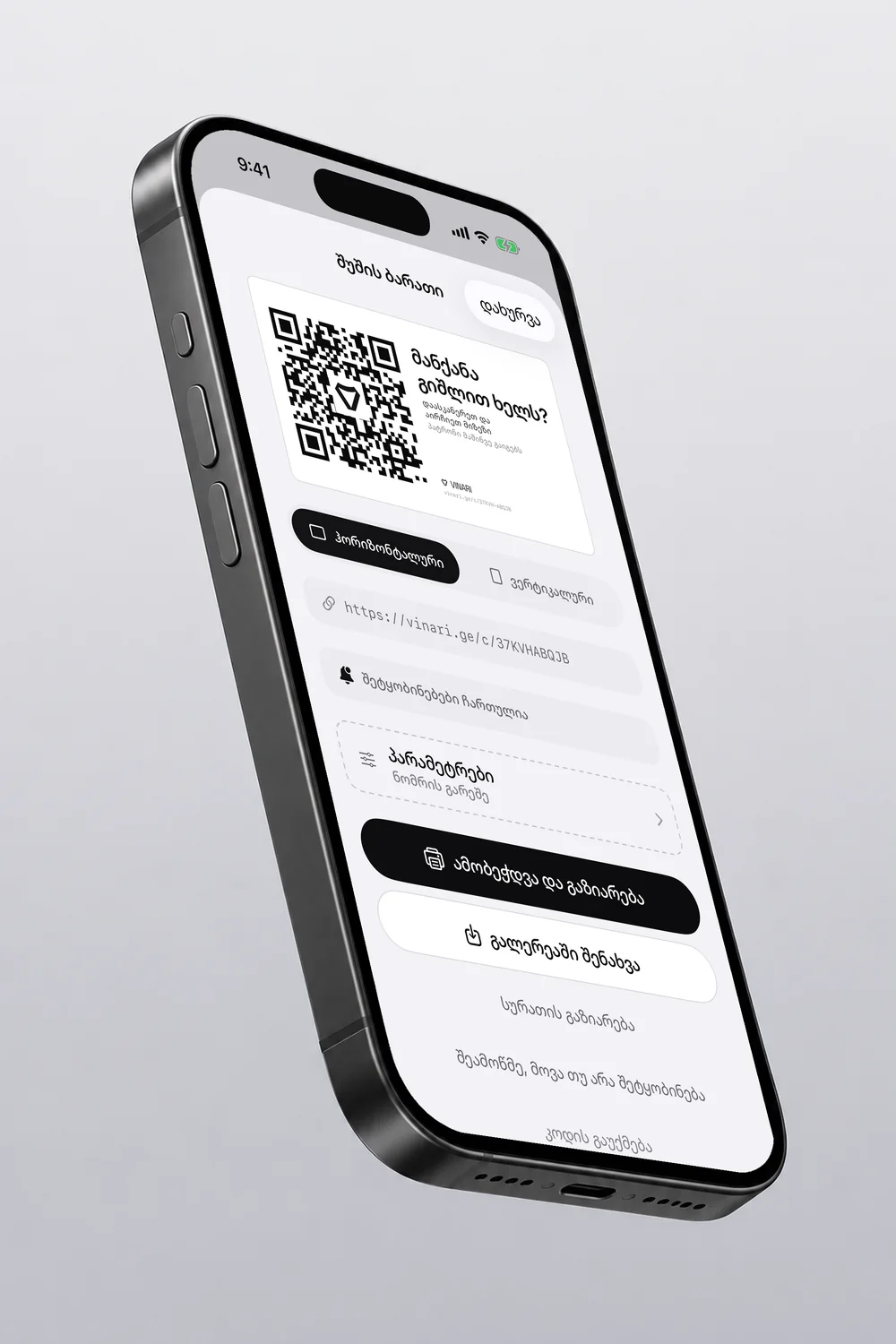
QR card for your car
No more phone number on the glass.
Free to download, no account needed.
Choose what the passer-by tells you

How does it work?
Three steps, and the message comes to you.
- 1Print itThe app makes the card, and you print it on an ordinary A4 sheet.
- 2Behind the glassPut it behind the windscreen, from inside the car.
- 3A scanAnyone passing by scans it with the camera and picks a reason.
No number anywhere
The card shows no plate number, no name and no car. The passer-by needs no app, the phone’s camera is enough.

Common questions
Where do I buy the QR card?
Nowhere. The app makes the card and you print it yourself on an ordinary A4 sheet, in black and white: at home, at work or at a copy shop.
Does the passer-by need the app?
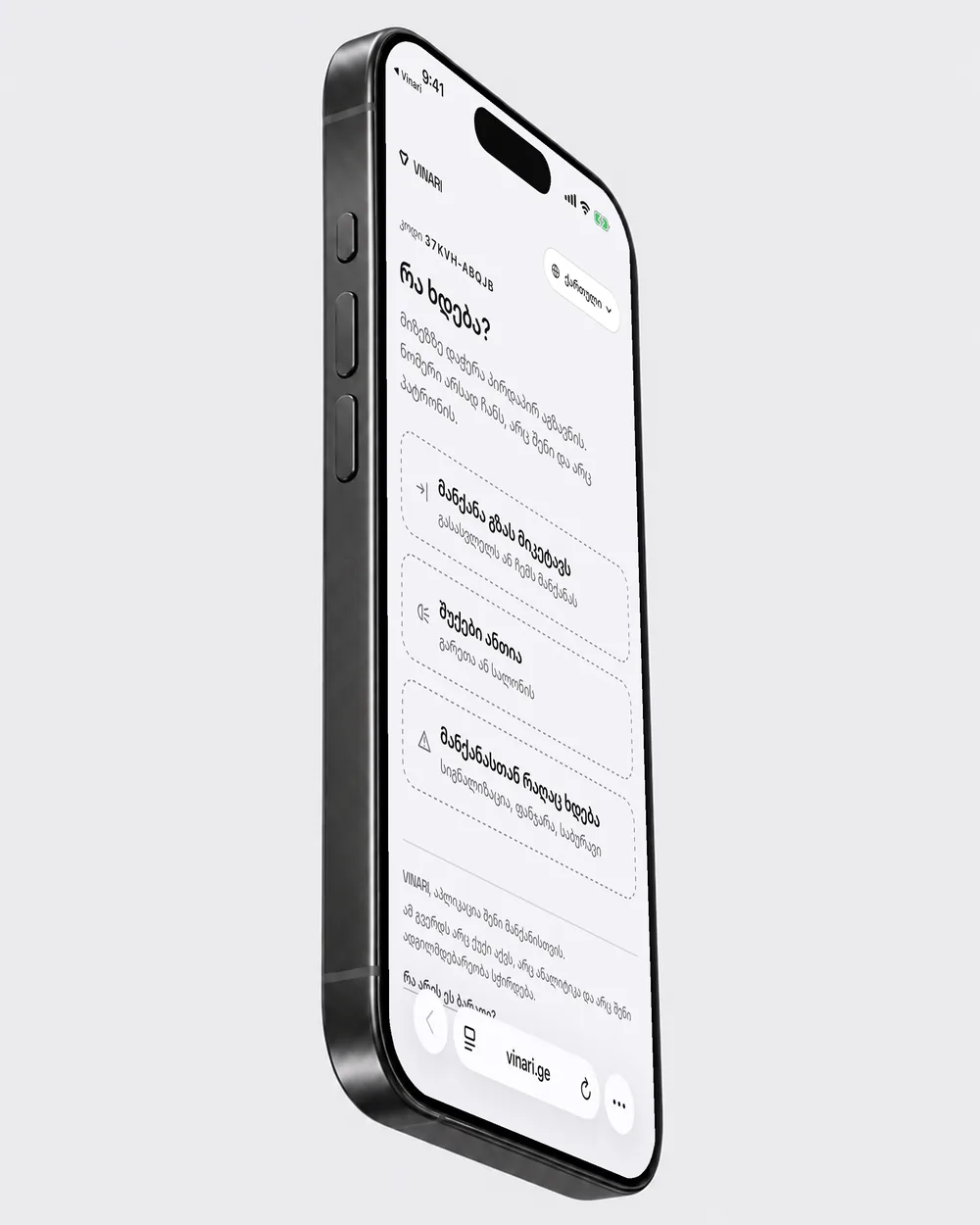
No. They scan it with the phone’s camera and pick one of three reasons in the browser.
Will anyone see my number?
No. The notification comes to you, and the number is neither on the card nor on the passer-by’s page.
What are the reasons?
Three: the car is blocking me, the lights are on and something is wrong with the car. No free text is sent.
Does it cost money?
The QR card comes with VINARI+.
Other topics
Source: VINARIUpdated 2 November 2026